Streamline Your DTF Production: Top Automation Features
In the fast-paced world of Direct-to-Film (DTF) printing, efficiency isn't just a luxury—it's a necessity. CADlink Digital Factory 12 introduces a suite of automation features designed to slash production time and minimize material waste.
1. Auto Nesting: Maximizing Film Usage
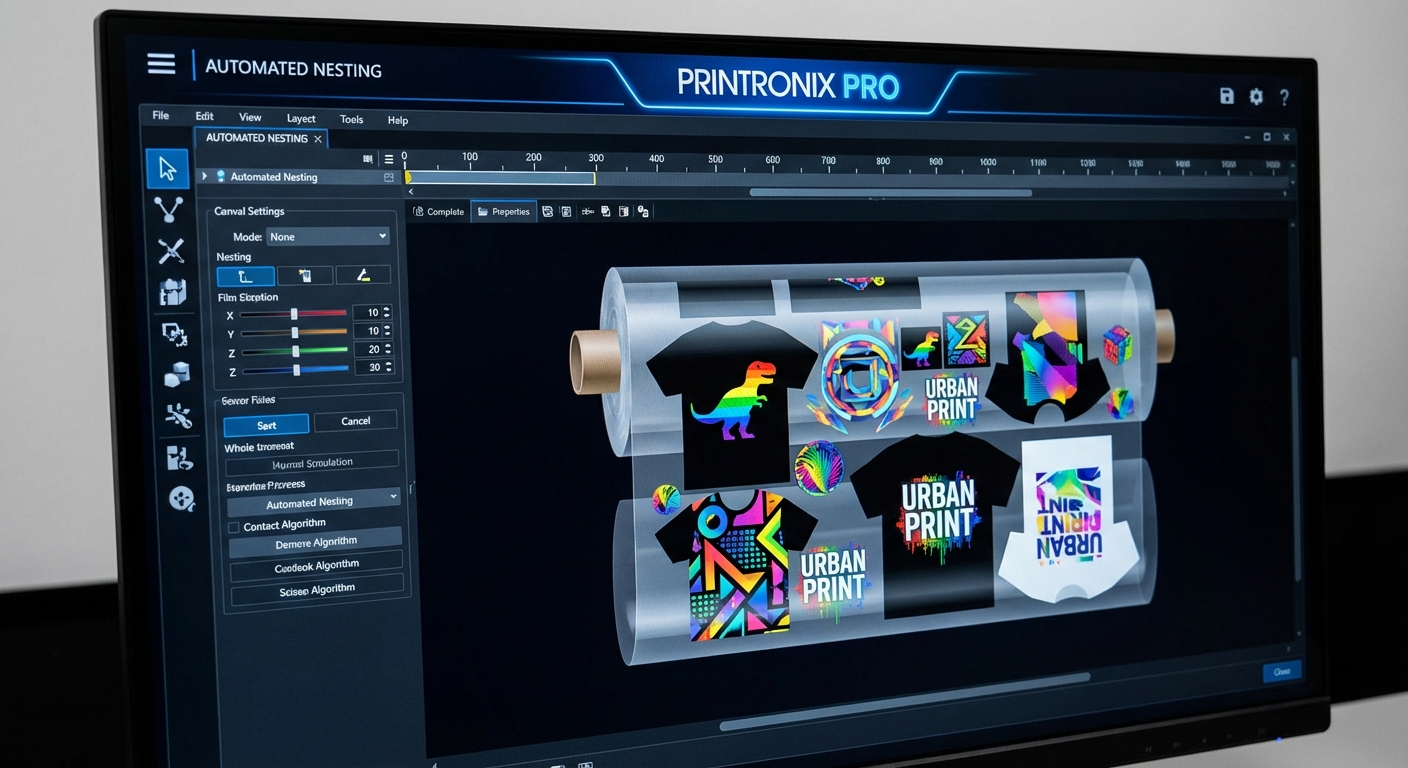
One of the most powerful features in Digital Factory 12 is its intelligent Auto Nesting capability. Instead of manually arranging designs on your film roll, the software automatically calculates the most efficient placement for multiple jobs. This ensures you use every inch of your expensive film, reducing waste by up to 40% compared to manual layout.
2. Variable Data Printing
Personalization is a huge trend in apparel. With Digital Factory 12's Variable Data tools, you can easily swap out names, numbers, or images within a single design template. This is perfect for team jerseys or corporate merch, allowing you to process hundreds of unique items in a single print run without creating separate files for each one.
3. Intelligent Job Sorting
Managing dozens of orders can be a nightmare. The Job Sorter automatically organizes incoming files based on criteria you set—whether it's by color, size, or deadline. This means less time shuffling files and more time printing.
Conclusion
By leveraging these automation tools, print shops can significantly increase their daily output while reducing overhead costs. Digital Factory 12 isn't just a RIP; it's a production manager that works as hard as you do.